





Streamlining Your Workspace: Clutter-Free Desk Setup Tips
Transforming your workspace from a chaotic jumble into a bastion of productivity begins with an optimized desk setup.
An uncluttered desk not only sharpens your focus but also enhances creativity, ensuring that every item has its place, from the humble pen to the imposing computer monitor.
Shedding light on your work area does more than merely banish shadows; it infuses your space with vital energy, lifting your mood and sustaining your motivation through long work hours.
Embrace the journey towards an environment where functionality dovices with aesthetics, offering a balanced and inviting space conducive to focused work.
Keep reading as we dissect the art of a clutter-free desk, equipped with practical strategies to streamline your workflow and bolster your wellbeing.
Key Takeaways
- A Decluttered and Carefully Organized Desk Boosts Productivity and Mental Clarity
- Investing in Ergonomic Furniture Helps Prevent Chronic Pains Like Backache and Wrist Strain
- Proper Lighting, Both Natural and Artificial, Is Essential for Maintaining Alertness and Reducing Eye Strain
- Wireless Technology and Cable Management Solutions Create a More Orderly and Efficient Workspace
- Incorporating Regular Decluttering and Minimalism Into Office Setup Enhances Focus and Reduces Stress
Dream Big, Start Small With Your Desk Organization
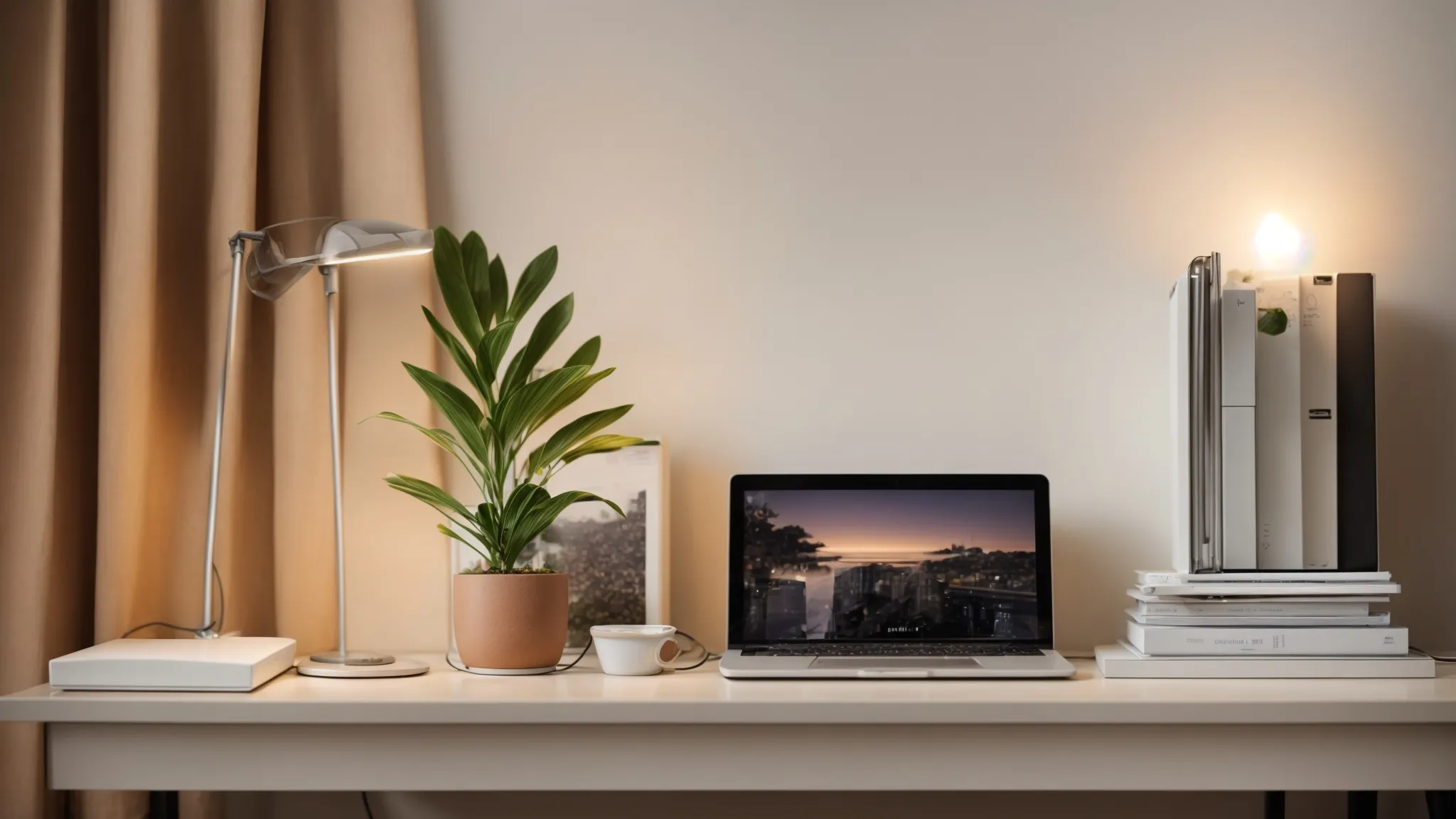
In the quest to construct an efficient work environment, recognizing the vital elements that comprise one’s workspace emerges as the initial step.
For professionals navigating their daily tasks, a workspace cluttered with superfluous office supplies or strewn electronics not only hampers productivity but also inflates stress levels, casting a pall over the otherwise invigorating experience of work.
Before launching into the metamorphosis of their desks, individuals are encouraged to meticulously set practicable objectives—be it enhancing communication, curtailing the distractions of background noise, or simply engineering a more aesthetic area conducive to creativity.
Often overlooked is the power that emanates from a workspace that breathes vitality into one’s day; thus, it is advisable to kick off the process by dispelling the cloud of clutter, starting with a spotless canvas that will pave the way for a serene and organized desk setup that echoes the aspirations harbored by its occupant.
Identify Your Workspace Necessities
In the panorama of a streamlined desk landscape, identifying what is essential versus what merely occupies space is crucial: ascertain the tools that truly fuel your productivity.
- Keep only the most frequently used items like pens, staplers, and notepads at arm’s reach.
- Designate areas for incoming documents to avoid paper pileups leading to a cluttered desk.
- Invest in ergonomic tools, such as an ergonomic keyboard and chair, to maintain posture and reduce fatigue.
Set Clear Goals for Your Desk Setup
Setting concrete and measurable objectives forms the cornerstone of crafting an ordered desk. It begins with clarifying the function each item serves in your productivity, from the angle of a computer monitor that reduces eye strain to the placement of a printer within easy reach to streamlining workflow. Ultimately, it’s the subtleties in crafting these intentions—like adopting the Pomodoro technique to segment work into focus bursts—that can propagate profound improvements in managing time and maintaining an orderly space.
Begin With a Clean Slate
Embarking on the journey toward a pristine desk begins by stripping away the layers of accumulated detritus: it’s a cleansing ritual that resets the work environment to a state of potential. By undertaking this exercise in minimalism, not only does one reclaim space, but the mind is also cleared, primed for the seeding of new, efficacious habits.
- Remove all items from your desk, dredging up buried office paraphernalia.
- Conduct a rigorous cleaning, sweeping away dust and disposing of trash to define a truly blank canvas.
- Sort through each object with a critical eye, distinguishing between necessity and redundancy.
Utilize Light for a Brighter, More Productive Desk Setup
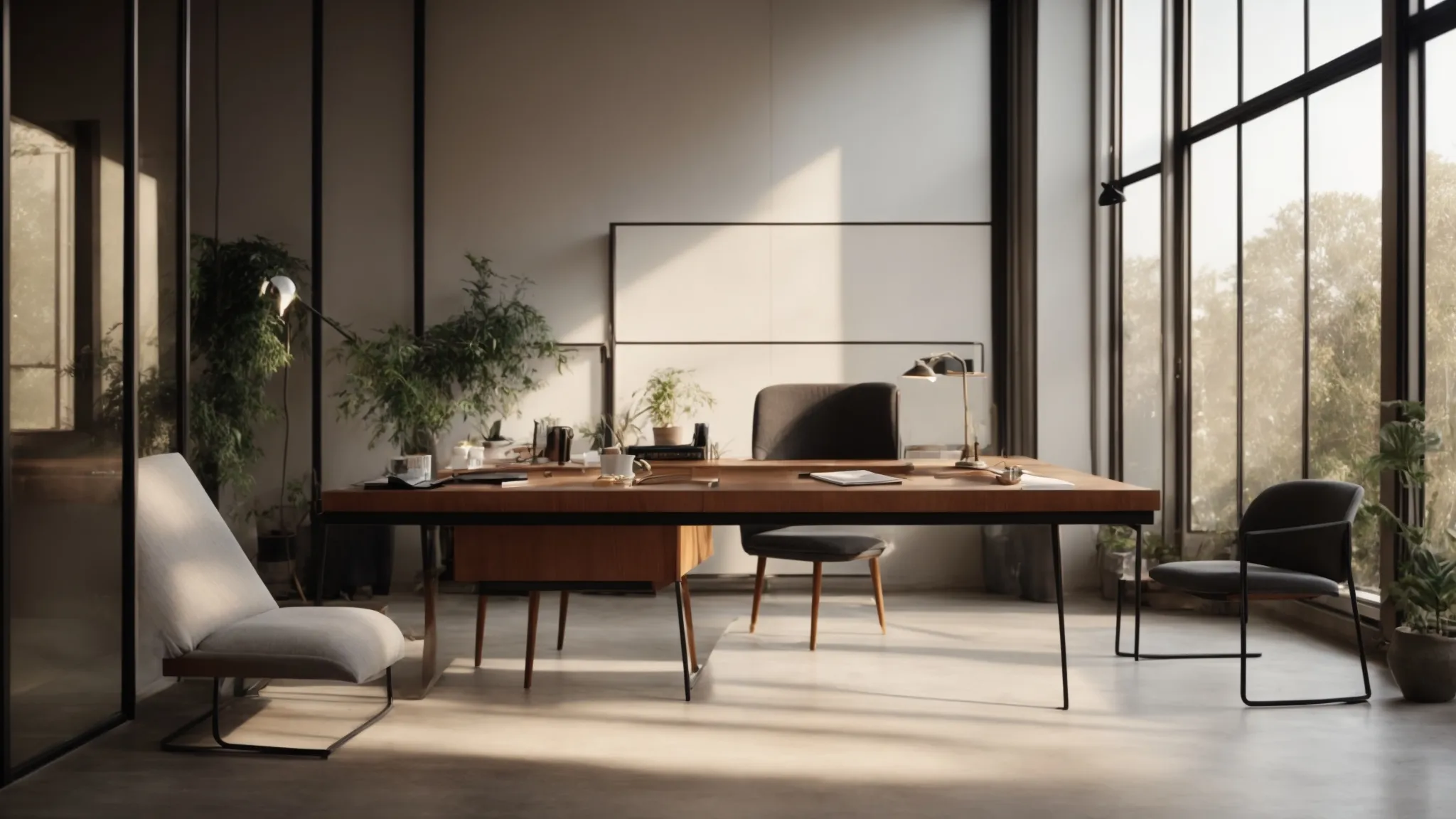
Amidst orchestrating a desk space that amplifies productivity, the infusion of light stands out as an essential element.
A well-lit workspace not only banishes the shadowy corners where fatigue and eye strain lurk but also establishes an arena where alertness thrives.
Professionals seeking to elevate their environment must consider the strategic placement of their desk to harvest the generous bounty of sunlight—a natural stimulant for the brain.
Beyond daylight’s reach, the judicious application of focused task lighting becomes paramount, necessitating a discerning selection of bulbs that bolster concentration.
By intertwining these luminary considerations, individuals can create a harmonious balance of illumination that energizes their daily grind and propels task management to new levels of efficiency.
Position Your Desk to Maximize Natural Light
Ensuring that your desk is positioned to optimize the ingress of natural sunlight can profoundly influence both mood and alertness. The strategic arrangement of a workstation near a window flaunts a dual advantage; not only does it welcome in sunlight that invigorates the mind and body, but it also offers a visual reprieve from the technological glare of a computer monitor.
| Aspect | Benefits | Considerations |
|---|---|---|
| Desk Position | Enhances mood and increases alertness | Proximity to window for sunlight exposure |
| Visual Breaks | Reduces eye strain | Opportunities to gaze into the distance |
| Monitor Placement | Prevents glare and fatigue | Angle away from direct sunlight |
Supplement With Task Lighting
When sunlight’s warm embrace wanes or offices lack its presence, task lighting emerges as a crucial ally in preventing eye strain and nurturing productivity.
- Sourcing a desk lamp with adjustable brightness caters to varying needs throughout the workday.
- Incorporating a task light that offers a range of color temperatures can simulate daylight, keeping one’s circadian rhythms in harmony.
- Positioning the lamp to avoid reflections on the computer monitor eliminates undue glare that can lead to eye fatigue.
Choose Light Bulbs That Enhance Focus
Deliberate selection of light bulbs is pivotal in crafting a focus-conducive desk environment; bulbs with a color temperature resembling daylight serve to enhance mental clarity and concentration. By opting for LEDs or other energy-efficient bulbs that emit a bright, yet soft light, individuals can minimize eye strain and maintain a vigilant state of focus, thereby augmenting the quality of their workstation and overall work experience.
Arrange Essentials Within Reach for Efficiency

In a bustling office, efficiency is paramount, and an optimized desk setup is a linchpin of productivity.
To refine and expedite the workflow, one must strategically arrange the most crucial tools within easy reach.
By meticulously sorting items according to their usage frequency, investing in drawer organizers to neatly corral smaller essentials, and maintaining a desk surface that showcases minimalism, professionals can effectively minimize distractions and foster a streamlined process.
These practices not only enhance one’s ability to access information and office supplies rapidly but also contribute to a well-ordered and focused work environment.
Sort Items by Frequency of Use
Embracing a methodical approach to item arrangement according to their frequency of use is not just about keeping a tidy desk; it’s a strategic move to enhance practicality and ensure seamless transitions between tasks:
- Analyze daily routines to determine which tools are indispensable and should be placed within a hand’s reach.
- Store less frequently utilized items in drawers, on shelves, or in designated storage spaces to maintain a clean and accessible work surface.
- Regularly re-evaluate and adjust the layout of desk essentials to align with evolving workflows and priorities.
Use Drawer Organizers for Small Items
Untangling the jumble of small accessories that tend to scatter across desktops, drawer organizers offer a discreet yet effective solution, transforming a chaotic cache of items into a neatly structured repository. By implementing these tools, individuals can swiftly locate and retrieve items such as paper clips, pens, or earbuds, thereby maintaining an orderly desk and streamlining their overall efficiency.
Keep the Desktop Clear With Minimal Essentials
Maintaining a clear desktop is not just about aesthetics; it’s a deliberate strategy to bolster productivity and mental clarity. By retaining minimal essentials on the desk surface, professionals can reduce unnecessary distractions and create an environment that encourages focus and efficiency: a workspace attuned to the rhythm of their tasks.
- Adopt the habit of returning items to their designated spaces after use to preserve a tidy and functional desk area.
- Consider a desktop organizer or a cable tray to manage those pesky wires which otherwise contribute to visual and physical clutter.
- Reserve the prime real estate of your desk for only the most critical tools, like your computer, a notebook, and perhaps a plant for a touch of nature.
Embrace Simplicity With a Decluttered Workspace
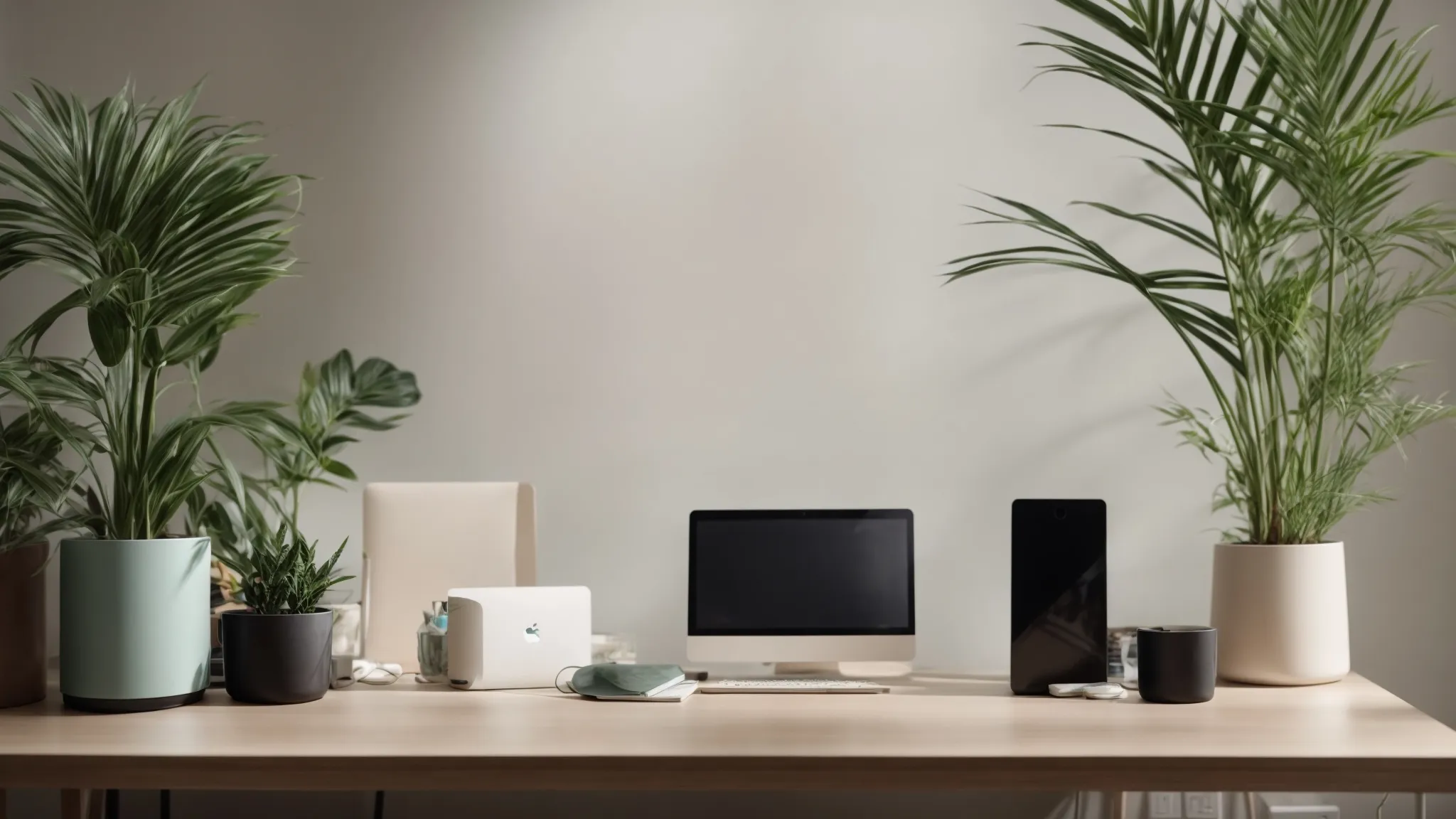
Amid the myriad strategies to enhance workplace productivity, fostering a simplified, decluttered workspace stands paramount.
Embracing minimalism in desk decor not only refines the aesthetic of the work environment but also sharpens one’s focus and eases the flow of creativity.
By committing to regular declutting sessions, individuals ensure their workspace remains a bastion of concentration, unimpeded by the accumulation of non-essential items.
Moreover, the transition to a paperless desk through digitizing documents is not only an exercise in spatial economy, but also an environmentally conscious move that streamlines access to vital information.
These strategies collectively forge a workspace that resonates with clarity and efficiency.
Adopt a Minimalist Approach to Desk Decor
Inviting minimalism into the realm of desk decor is not merely a style choice; it’s a strategic maneuver that bolsters efficiency and calms the mind: a testament to the adage that sometimes, less is more.
| Minimalist Principle | Impact on Workspace | Action Steps |
|---|---|---|
| Visual Tranquility | Reduces stress and enhances concentration | Choose a neutral color palette and limit decorative items |
| Functional Decor | Ensures every item has a purpose | Select furniture and accessories that serve practical needs |
| Clear Surfaces | Fosters a productive and focused environment | Regularly declutter to maintain an unobstructed workspace |
Regularly Schedule Decluttering Sessions
Engraining decluttering into one’s routine is akin to instituting a maintenance regimen for the productivity powerhouse that is the modern desk. By penciling in regular intervals—be it weekly, biweekly, or monthly—professionals carve out dedicated times to sift through their deskspace, ensuring that the tidal wave of potential clutter is held at bay through timely intervention:
- Earmark a fixed schedule in your calendar exclusively for desk organization.
- Assess each item’s utility, recycling or donating those no longer in active service.
- Refresh your work area, incorporating updates or changes that align with your current workflow demands.
Digitize Paperwork to Reduce Physical Clutter
In an era where technological capabilities are soaring, digitizing paperwork is a transformative step toward achieving a clutter-free desk and a more streamlined workflow: It reduces the physical footprint of documents and enhances the accessibility of information.
| Advantage | Desk Impact | Workflow Impact |
|---|---|---|
| Space Efficiency | Eliminates paper clutter | Facilitates quick retrieval of documents |
| Accessibility | Creates a cleaner work surface | Provides instant access regardless of location |
| Environmental Benefit | Reduces the need for physical storage | Diminishes paper waste, supporting eco-friendly practices |
Prioritize Physical Comfort With Ergonomic Elements
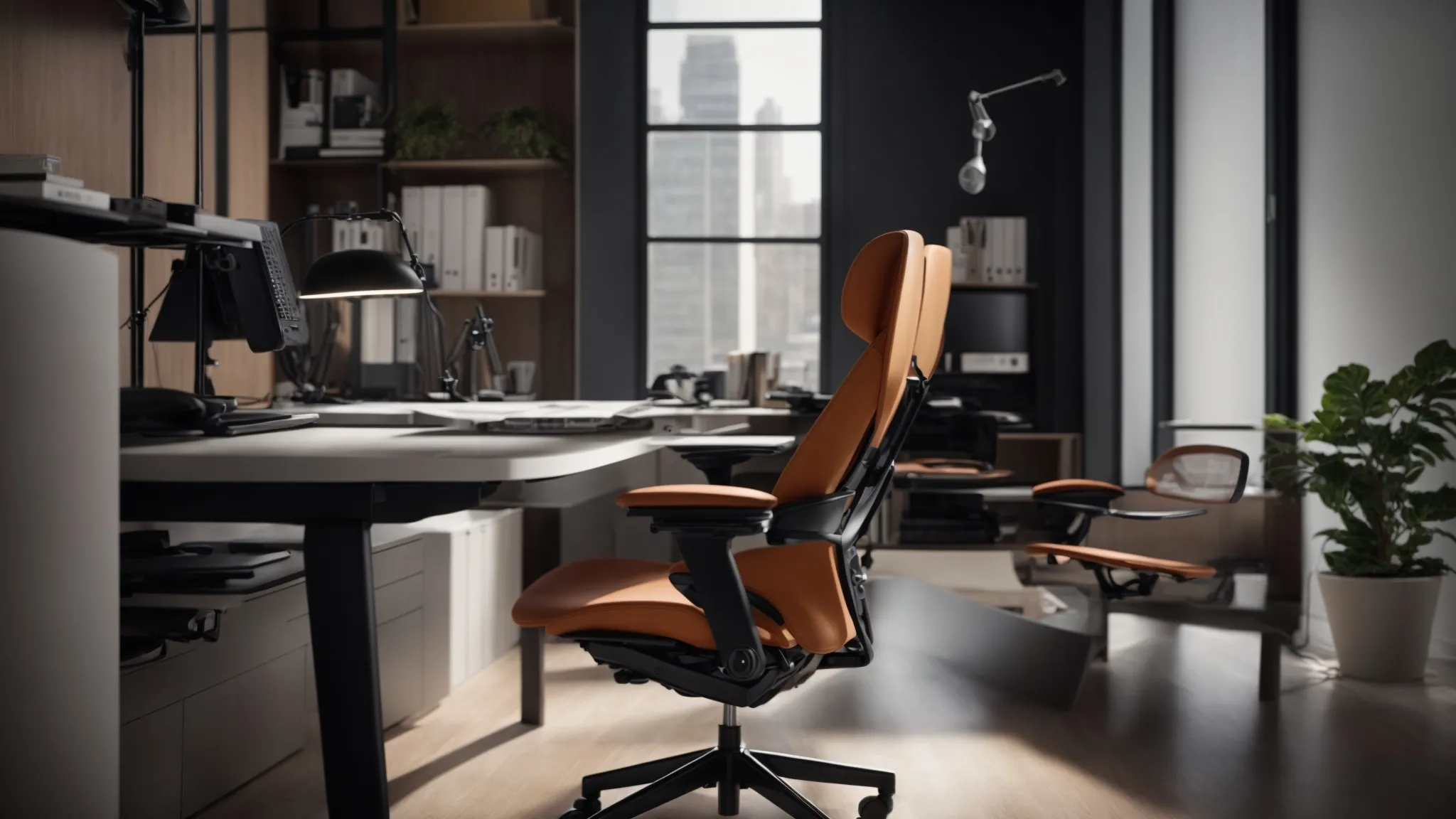
In pursuit of a streamlined workspace that not only enhances productivity but also safeguards health, the inclusion of ergonomic furniture and accessories becomes indispensable.
To prevent the onset of chronic pains such as backache and wrist strain, an investment in an ergonomic chair and desk is paramount.
Such thoughtful configurations not only alleviate undue stress on the lumolegandr, neck, and wrists but also optimize the user’s posture and comfort over extended periods of sedentary work.
Additionally, adjusting the height and placement of monitors and keyboards further refines this alignment, promoting a more natural and less strenuous positioning for the eyes and arms.
To complete this health-centric approach, the integration of supportive accessories, including footrests and wrist pads, can significantly boost overall wellness and concentration, anchoring a work setting that is as benevolent to well-being as it is conducive to efficiency.
Invest in an Ergonomic Chair and Desk
Within the professional landscape, the selection of an ergonomic chair and desk emerges as a strategic decision that not only customizes the workspace to individual proportions and preferences but also mitigates the long-term repercussions of poor posture. Embracing this investment translates to tangible health benefits, preventing chronic ailments such as back pain and repetitive strain injury, thereby fostering an environment where one’s physical comfort is in harmony with their productivity goals.
Optimize Monitor Height and Keyboard Placement
To create a workspace where comfort converges with productivity, the meticulous calibration of monitor height and keyboard placement is essential. Proper elevation of the computer screen to eye level helps to ward off neck strain and enhances the visual experience, while aligning the keyboard to ensure elbows rest comfortably at one’s sides assists in preventing wrist and shoulder strain, enabling sustained focus and a healthier work posture.
Incorporate Accessories for Wellness
A commitment to wellness in the workspace extends to the integration of supportive accessories designed to enhance comfort and mitigate discomfort. From ergonomically-crafted wrist rests that shield against carpal tunnel to footrests that promote circulation and reduce leg fatigue, incorporating such adjuncts actively reduces the hazards associated with prolonged desk work and bolsters overall health, transforming the typical desk into a bastion of well-being.
Conquer the Clutter With Smart Cable Management
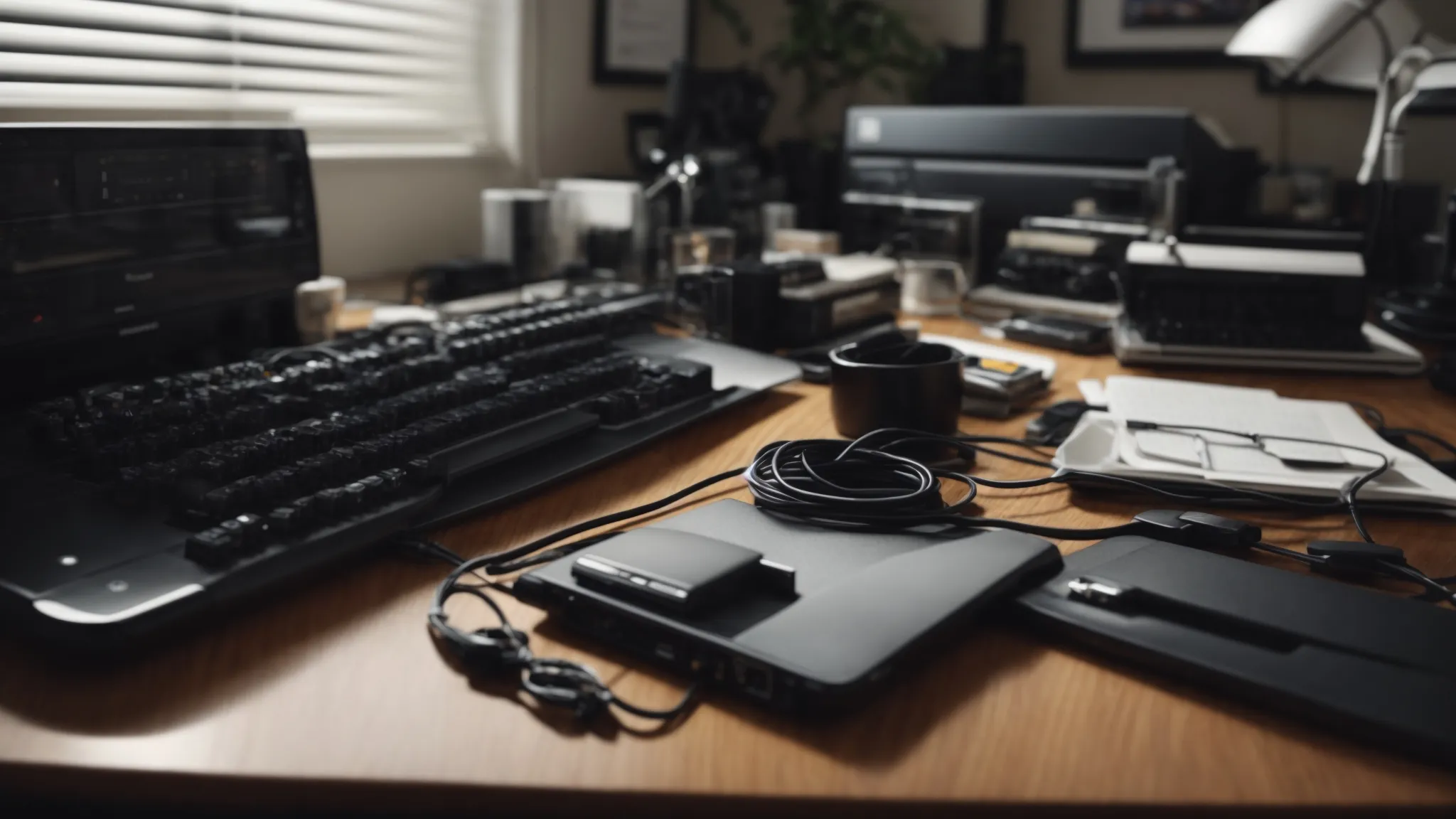
As individuals delve deeper into optimizing their desk setup, entangled webs of wires present an unwieldy challenge that demands adept management.
Properly taming cables not only maintains the visual serenity of the workspace but also safeguards electronics from potential damage and reduces the distractions that can interrupt a productive workflow.
Smart cable management is a multifaceted approach that can include utilizing cable clips and ties for neat bundling, installing under-desk cable trays to discreetly house wires, and transitioning to wireless peripherals which offer an elegant solution to cable clutter.
These strategies not only enhance the functionality and accessibility of the workspace but also contribute to a more refined and orderly environment.
Use Cable Clips and Ties for Organization
Implementing cable clips and ties in a desk’s design serves as an essential strategy for maintaining a streamlined workspace. By securely fastening wires to the desk’s edge or along a cable tray, individuals can effectively eliminate the visual and physical chaos that loose cables engender. This simple yet impactful adjustment not only aids in preserving the integrity of electronic connections but also enhances the overall neatness and professionalism of the office setting.
Explore Under-Desk Cable Trays
An often underestimated ally in the war against workspace disarray, under-desk cable trays offer a sleek and unobtrusive means to segregate and route cables away from the desktop surface. Integrating these trays not only preserves the pristine appearance of your desk but also circumvents the inconvenience and potential hazard of sprawling wires underfoot.
- Under-desk cable trays provide a designated conduit for wires, maintaining an uncluttered floor space and preventing entanglement.
- Their installation is a subtle yet effective measure that complements a minimalist design ethos, by concealing cables from view.
- By offering a central location for all cables, these trays simplify the process of identifying and accessing specific wires when the need arises.
Consider Wireless Peripherals to Minimize Cables
In the endeavor to maintain a sleek and efficient workspace, embracing wireless technology represents a leap towards modernity and orderliness: It liberates the desk from the snarl of cords that often accompany a myriad of devices. By opting for wireless alternatives, such as keyboards, mice, and headphones, professionals can not only reclaim valuable desk real estate but also facilitate a cleaner and more agile work environment, allowing for unencumbered movement and a significant reduction in visual clutter.
| Wireless Device | Desk Impact | Workflow Enhancement |
|---|---|---|
| Keyboard | More space for writing and tasks | Flexibility in keyboard placement |
| Mouse | No mouse wire tangling | Greater ease of use and mobility |
| Headphones | Reduced surface clutter | Freedom to move without disrupting audio |
Conclusion
A decluttered desk enhances productivity and mental clarity by minimizing distractions and fostering a focused work environment.
Invest in ergonomic furniture and accessories to maintain comfort and prevent health issues like back pain and repetitive strain injury.
Smart cable management and the use of wireless peripherals can significantly reduce visual clutter, creating a more organized and efficient workspace.
Lastly, a well-lit desk with natural and task lighting boosts mood, alertness, and helps prevent eye strain, completing the setup for an optimized workspace.