





Ergonomic Desk Setup Tips for Improved Posture and Productivity
Navigating the realm of office ergonomics can often seem like an intricate experiment, yet the transformation of a conventional desk into an ergonomic workstation is essential for both health and productivity.
By orchestrating the ideal alignment of chair, desk, and computer monitor, workers can combat the perils of poor posture and reduce the risk of repetitive strain injuries.
An ergonomic setup not only bolsters energy but also buttresses occupational safety, acting as a silent guardian against the silent creep of chronic pain.
Tailoring the minor details of one’s environment, from the angle of an armrest to the height of a standing desk, can have profound effects on day-to-day well-being.
In this organised foray, discover how these tactical adjustments can lead to a symphony of improved health and efficiency.
Key Takeaways
- Ergonomically Designed Workstations Promote Health and Increase Productivity
- Proper Posture Is Maintained by Adjusting the Height and Angle of Chairs, Desks, and Monitors
- Key Ergonomic Tools Include Adjustable Chairs With Lumbar Support and Peripherals Like Keyboards and Mice That Match Users’ Hand Geometries
- Supplemental Ergonomic Accessories Like Footrests, Desk Lamps, and Plants Can Enhance Comfort and Reduce Stress
- Dynamic Furniture Such as Sit-Stand Desks Encourages Movement and Can Alleviate Back and Hip Discomfort
Essential Steps for an Ergonomic Workstation Setup
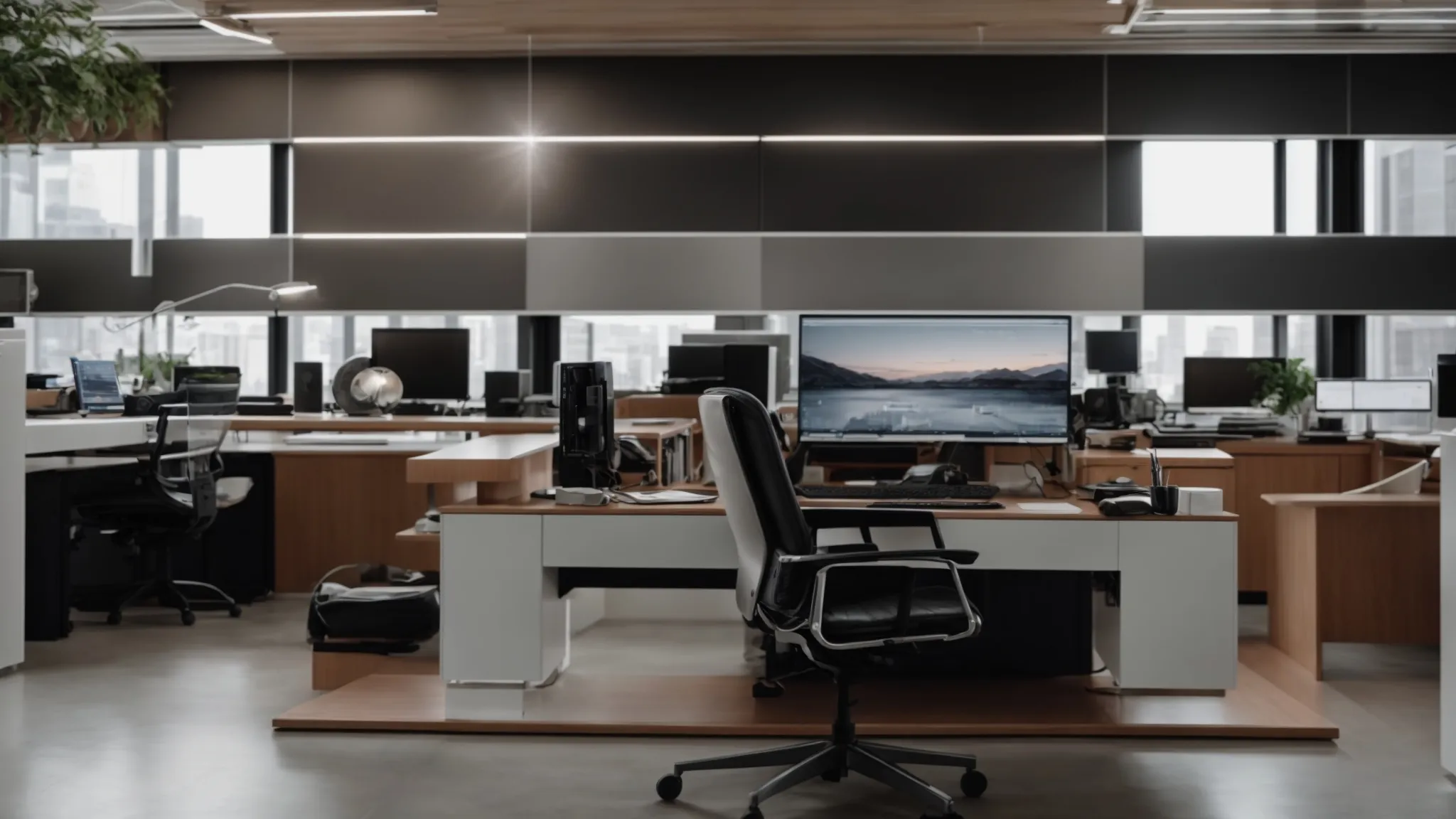
Creating an ergonomic workstation is not just a matter of purchasing high-end equipment; it’s about understanding and adjusting the workspace to fit the unique contours and demands of your body.
The journey toward occupational safety and enhanced productivity begins with identifying the proper desk height, pivotal in maintaining a good posture and alleviating stress on the hips and knees.
Equally important is the selection of an office chair that cradles the lumbar region and ensures spinal alignment, thus mitigating the risk of back pain.
In terms of visual comfort, positioning the computer monitor at eye level is essential in order to reduce eye strain and prevent neck pain.
Moreover, tactically arranging essential items within close reach on the office desk curtails unnecessary stretching and strain, making for a more energy-efficient workflow.
By strategically considering these elements, one can foster a workspace that not only champions health administration standards but also bolutes productivity levels.
Identifying the Correct Desk Height for Your Posture
For an optimal ergonomic experience, desk height should be adjusted so that the forearms are parallel to the floor, allowing the elbow to form a 90-degree angle while typing or handling tasks. This specific height mitigates the strain on the shoulders and diminishes the risk of carpal tunnel syndrome, as continuous typing with wrists floating or angled improperly can be detrimental to both comfort and health over time.
Choosing a Chair That Supports Spinal Alignment
A judicious choice in an office chair goes beyond aesthetic appeal and delves into the maintenance of health and wellness. An ideal chair offers robust support for the natural curve of the spine, particularly the lumbar region, and is equipped with adjustable armrests to ensure the shoulders remain relaxed. High-quality chairs embody features like memory foam cushions and adjustable backrest angles, enhancing the posture and contributing to the amelioration of chronic discomforts such as lower back pain.
Positioning Your Monitor at Eye Level to Reduce Strain
Securing the computer monitor at a harmonious level with the gaze plays a critical role in curtailing the incidence of neck and eye strain. By ensuring that the top of the screen sits comfortably within one’s eye range, the user is spared the persistent tilt of the head that can precipitate tension in the neck muscles and contribute to fatigue. An ergonomic workstation that champions this arrangement serves as a bastion against the discomfort associated with long sedentary hours before the computer.
Arranging Desk Items Within Arm’s Reach to Minimize Stretching
Efficient organization of work items plays a critical role in preserving energy and reducing the likelihood of stress-related injuries. By placing frequently-used objects such as a telephone, notepads, or a computer mouse within easy reach, individuals can maintain a neutral position which conserves energy and prevents overextension of the arm. Reinforcing this ergonomic strategy minimizes the risk of strain and powers a more seamless and productive work environment.
Selecting a Chair That Promotes Good Posture and Comfort

An ergonomic chair plays a pivotal role within the fabric of an efficient workstation, acting as the foundation for sustained productivity and health.
Cradling your spine with the correct contour and support, such a chair not only cushions your body against the rigors of a sedentary workstyle but is a cornerstone of occupational wellness.
Key features to scan for include adjustable seat height, tilt mechanisms, and armrests that coalesce to form an individualized fit.
Tuning these elements to meet your body’s specific demands can vastly improve your working posture, ultimately reinforcing your spine’s integrity.
Moreover, embracing lumbar support is integral, as it underpins the lower back and serves as a bulwark against the onset of disabling back pain.
Prioritizing these aspects within an ergonomic chair setup is a silent yet formidable ally against workplace malaise and discomfort.
Key Features to Look for in an Ergonomic Chair
When scouting for an ergonomically designed chair, key features to consider are those that offer extensive adjustability to accommodate individual body types and working styles: a chair that adapts to you, rather than the other way around.
- Seek a seat with an adjustable height to ensure your feet rest flat on the floor, aligning your knees and hips to reduce lower body stress.
- Inspect chairs with tilt tension control, permitting the seat to reclate at a comfortable angle while supporting body movements.
- Opt for armrests that are adjustable in height and width, enabling your shoulders to stay relaxed and your elbows at a natural angle for typing.
Adjusting Your Chair to Fit Your Body’s Needs
To tailor the office chair to individual requirements, it is essential to utilize the adjustment mechanisms. The chair’s height should be modified so that the feet are firmly planted on the floor, with thighs parallel to the ground, thus ensuring proper alignment of the hips and reducing undue pressure on the knees. Additionally, fine-tuning the backrest to support the natural S-curve of the spine is paramount for preventing slouching and maintaining ergonomic integrity throughout the workday.
The Importance of Lumbar Support for Lower Back Health
The presence of dedicated lumbar support in an office chair is a critical determinant in preserving the health of the lower back. By maintaining the natural inward curve of the lumbar spine, such support aids in preventing the overarching of the back that can lead to painful stress on the spinal disks and surrounding muscles. Ensuring this ergonomic feature matches the unique curvature of an individual’s lower back is essential for fostering both immediate relief and long-term back health.
- Verify that lumeral support is present and properly positioned to match the curve of your lower back.
- Adjust the lumbar support to fill the gap between the lumbar spine and the chair to preclude strain or arching.
- Consider a chair with built-in lumbar adjustment or augment it with a separate lumbar pillow for enhanced customizability.
Adjusting Your Desk for Optimal Comfort and Efficiency
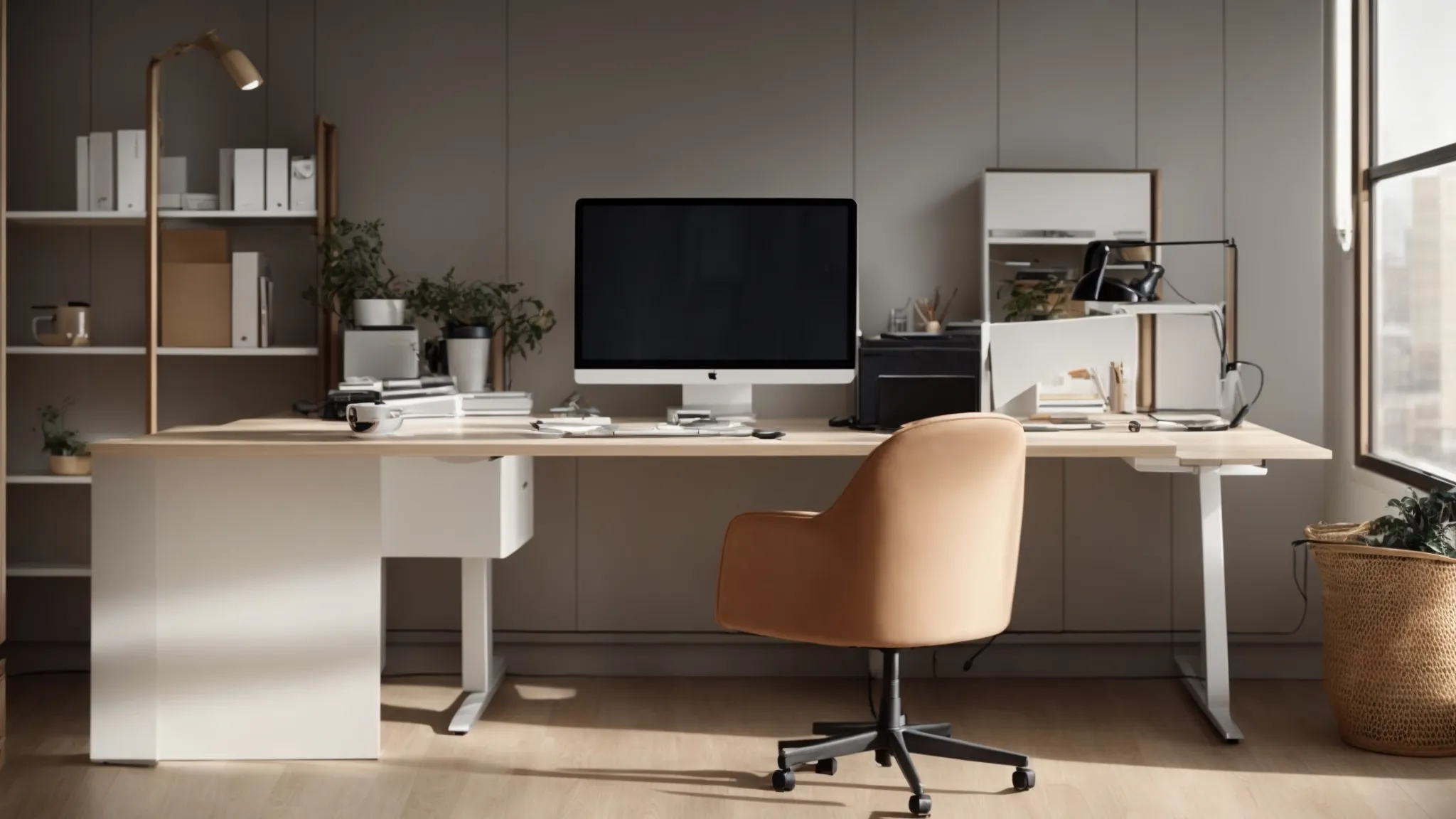
Attention to desk ergonomics is crucial for those seeking to revamp their workspace in favor of health and performance.
The ideal desk height and depth can significantly impact posture, offering ergonomic benefits that can prevent injuries and enhance energy management throughout the day.
Alternating between sitting and standing positions using sit-stand desks introduces dynamic movement, essential for muscle engagement and circulation.
Meanwhile, a decluttered desk not only streamlines the workflow but also aids in maintaining a focused and productive mindset.
Mastering these strategies enables individuals to create an office environment that is not only geared towards comfort but also primed for efficiency.
The Ideal Desk Height and Depth for Ergonomic Benefits
Setting the desk at an appropriate height is the linchpin for achieving ergonomic benefits; it facilitates proper posture by aligning the wrists, arms, and shoulders to reduce physical strain during computer use. A desk with the correct depth offers ample space to comfortably accommodate a computer keyboard, mouse, and other workstation essentials, ensuring that the user can reach these items with ease while maintaining a relaxed and neutral body position.
Tips for Using Sit-Stand Desks to Vary Your Posture
Incorporating sit-stand desks into an office routine has been a transformative ergonomic advancement, allowing individuals to alternate between sitting and standing with ease. The activity of switching postures throughout the day reduces the physical duress of prolonged sitting, fostering circulation and engaging different muscle groups. This practice, expertly interspersed with intervals of seated work, serves not only to alleviate potential back and hip discomfort but also to invigorate the mind, propelling productivity forward.
Organizing Your Desk to Reduce Clutter and Increase Productivity
An organized desk is paramount in crafting a productive workstation: it eliminates distractions, streamlines tasks, and conserves both mental and physical energy. By prioritizing space for the most frequently used items like a computer keyboard and mouse, and designating areas for phones, notebooks, and other supplies, workers can maintain focus and a clear mind. This efficient allocation of resources fosters an environment where creativity and productivity can thrive.
| Ergonomic Item | Importance | Placement Tip |
|---|---|---|
| Computer Keyboard and Mouse | Reduces wrist strain and injury | Directly in front of user for easy reach |
| Telephone | Minimizes excessive reaching | Within arm’s reach on the dominant side |
| Notebooks and Documents | Prevents clutter and loss of focus | Stored neatly on a shelf or in a drawer when not in use |
| Desk Supplies | Enhances efficiency | In desk organizers or trays to minimize desk clutter |
The Role of Monitor Placement in Ergonomic Desk Setup

Central to any ergonomic desk setup is the correct positioning of the computer monitor, a detail that far too often goes unheeded, yet it harbors remarkable potential to uplift both comfort and work efficiency.
Balancing the height and distance of the monitor dissuades the onset of eye strain and supports a natural, upright posture, which is vital in averting neck and shoulder discomfort.
Further refining this arrangement through monitor stands or arms adds a layer of adjustability, enabling users to tailor their viewing angle with precision.
For those juggling multiple tasks, the adoption of dual monitors not only bolsters productivity but also encourages a dynamic work posture, effectively bridging the gap between occupational health and workflow optimization.
How to Set Your Monitor Height and Distance to Prevent Eye Strain
To prevent eye strain and promote a comfortable viewing experience, your computer monitor should be positioned at arm’s length away, with the top of the screen at or slightly below eye level. This placement allows for a downward gaze, typically between 15 to 20 degrees, safeguarding against eye fatigue, and reducing the risk of developing neck and shoulder tension from looking upwards or craning forward.
- Place the monitor at arm’s length away to maintain a comfortable distance for your eyes.
- Adjust the monitor height so that the top of the screen is at or slightly below eye level, allowing for a natural, downward gaze.
- Ensure a 15 to 20-degree gaze downward to minimize the risk of eye strain and encourage a healthy posture.
Using Monitor Stands or Arms for Better Adjustability
Incorporating monitor stands or arms in an ergonomic desk setup offers unparalleled adjustability, fostering an environment where each individual can precisely tailor the position of their computer screens. These tools empower users to adjust their monitors for optimal height, depth, and angle, thereby aligning the display with their natural line of sight, which is instrumental in minimizing physical discomfort and enhancing overall engagement with their work.
The Benefits of Dual Monitors for Productivity and Posture
Embracing dual monitors can catalyze an individual’s efficiency by expanding their visual workspace, allowing for the parallel handling of tasks which can significantly amplify productivity. Moreover, such a configuration can encourage frequent changes in head and eye movement, promoting better posture and reducing the risk of developing strain from remaining in a static position for extended periods.
| Aspect | Benefit | Posture Improvement |
|---|---|---|
| Expanded Visual Workspace | Enables multitasking and increases work efficiency | Promotes movement and reduces static posture |
| Parallel Task Handling | Boosts productivity by facilitating access to multiple applications | Encourages a dynamic work environment |
| Head and Eye Movement | Eases the physical burden of extended focus on a single point | Reduces risk of neck and eye strain |
Keyboard and Mouse: Ergonomic Considerations

A meticulously arranged ergonomic workstation is not complete without considering the devices at the very crux of office ergonomics: the keyboard and mouse.
Selecting peripherals that cater to the diverse shapes and sizes of users’ hands is a paramount concern, directly influencing comfort and minimizing the risk of strain.
Ensuring these tools are positioned optimally can have a profound effect on one’s wrists and forearms, promoting long-term health and reducing the incidence of repetitive strain injuries.
Moreover, the introduction of ergonomic keyboards and mice, with their specialized designs, offer nuanced advantages in aligning the hands and fingers naturally, which not only bolsters comfort but can significantly elevate productivity through enhanced functionality and support.
Finding the Right Keyboard and Mouse for Your Hand Size and Shape
Securing an appropriate keyboard and mouse is a critical facet of an ergonomic workstation, as these peripherals must correspond to the user’s hand geometry to forestall unnecessary strain. Opt for devices that match the natural curvature of your palm and allow your fingers to rest comfortably upon the keys or buttons, a detail that not only enhances comfort but also prevents the development of repetitive strain injuries. Picking peripherals tailored to one’s unique physical specifications is a strategic move that can create a significant positive impact on overall comfort and productivity.
Proper Positioning to Avoid Wrist and Forearm Strain
Proper positioning of the keyboard and mouse is integral to maintaining wrist and forearm health, acting as a safeguard against the debilitating impact of repetitive strain injury. To achieve this, the keyboard should be placed at a height that allows the wrists to remain flat, avoiding any upward or downward bending that could lead to strain. Similarly, the mouse should be situated close to the keyboard, ensuring that the arm is not overextended and that the wrist can maintain a natural and comfortable alignment during use.
The Advantages of Ergonomic Keyboards and Mice
Ergonomic keyboards and mice stand out for their tailored features that alleviate the pressures inflicted upon the user’s musculoskeletal system. Keyboards with a split design aid in keeping wrists and forearms in a neutral position, effectively reducing the tension that leads to fatigue and injuries like carpal tunnel syndrome. Similarly, ergonomic mice are sculpted in a fashion that promotes a more natural hand position, minimizing grip strain and enhancing cursor control, thereby boosting overall job performance and comfort.
| Device | Ergonomic Feature | Health Benefit | Productivity Impact |
|---|---|---|---|
| Ergonomic Keyboard | Split design | Reduces wrist and forearm strain | Less fatigue, increased typing efficiency |
| Ergonomic Mouse | Natural grip shape | Prevents grip strain | Enhanced comfort, improved cursor control |
Enhancing Your Workspace With Ergonomic Accessories
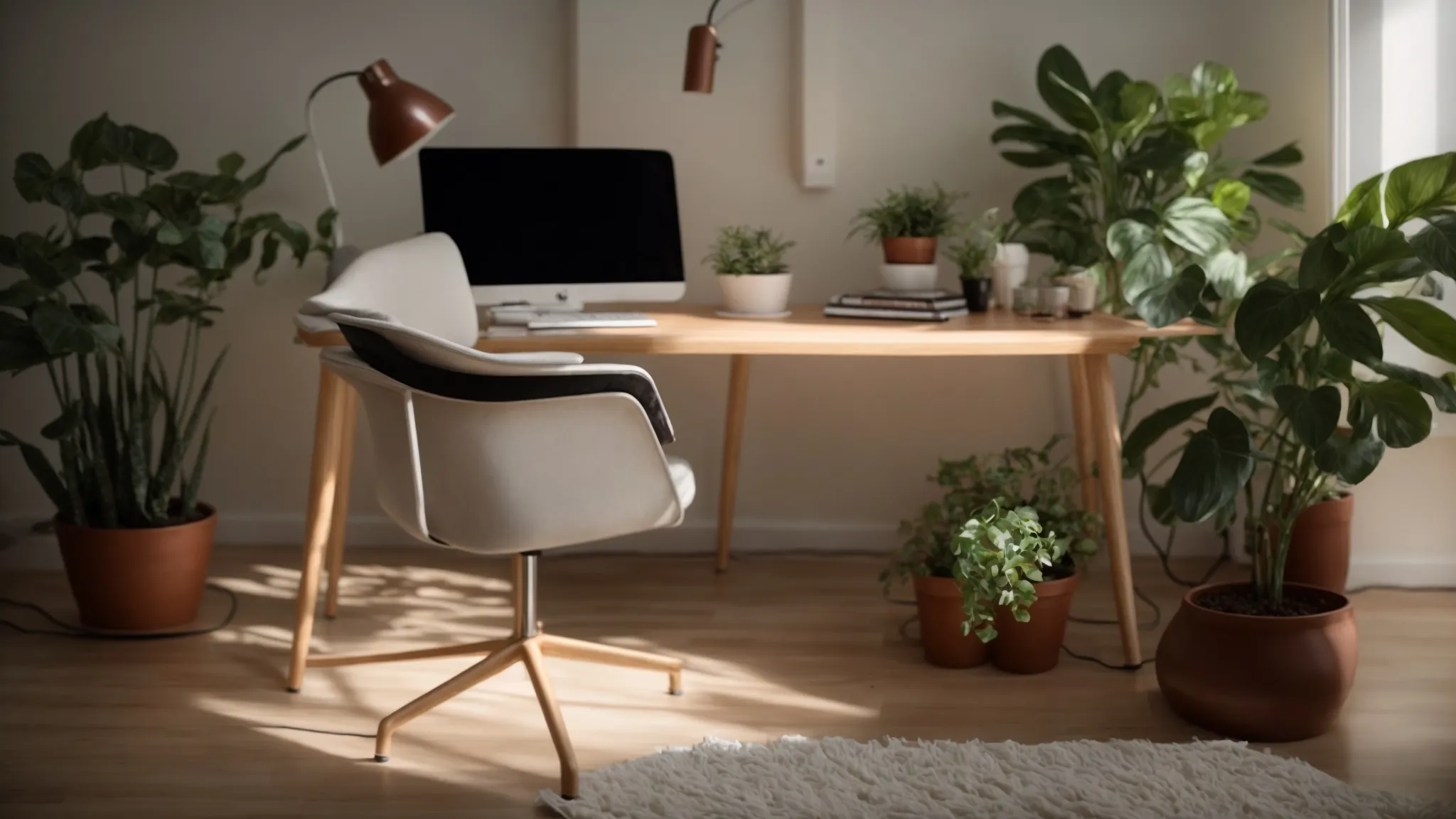
In pursuit of the quintessential ergonomic workspace, accessories play a pivotal role in extending functionality and enhancing well-being.
Employing a footrest can significantly influence leg circulation and posture, counteracting the detrimental effects of prolonged sitting.
Thoughtful lighting, such as desk lamps, becomes indispensable in mitigating eye fatigue, ensuring that illumination levels are conducive to long hours of screen time.
Moreover, infusing the office space with plants and personal touches does more than just personalize; it creates a haven of tranquility that actively diminishes stress, forging an environment where productivity can flourish amid tranquility.
The Impact of Footrests on Leg Circulation and Posture
Incorporating a footrest into an ergonomic workstation is instrumental in enhancing leg circulation, particularly for individuals whose feet may not rest comfortably flat on the floor when seated. The gentle elevation provided by a footrest can aid in maintaining proper leg posture, which in turn can support better alignment of the spine and reduce strain on the lower back muscles. As a result, the subtle adjustment of using a footrest can have a comprehensive effect, not only boosting circulatory health but also fortifying the overall ergonomic posture, thereby elevating workplace productivity.
Desk Lamps and Lighting to Reduce Eye Fatigue
Intelligent integration of desk lamps and tailored lighting solutions is essential for reducing eye fatigue, a common ailment in today’s office landscape. Strategically placed to cast a soft, yet sufficient light that minimizes glare on computer screens, these lighting accessories can preserve vision health and amplify focus during intensive work sessions. The subtle, yet impactful, presence of such ergonomic lighting creates a harmonious workspace, allowing employees to perform at their peak without succumbing to the visually strenuous demands of their environment.
Incorporating Plants and Personal Items for a Stress-Reducing Environment
Introducing plants into the office environment can serve as more than aesthetic embellishments; they contribute to a reduction in stress levels and enhance air quality, fostering a sense of well-being among workers. Personal items, such as family photos or mementos, when dotted around a workspace, provide psychological comfort and introduce a personalized touch that can make a sterile office desk feel more welcoming, significantly lifting morale and aiding in stress management.
Conclusion
Proper ergonomic desk setup is vital for aligning the body correctly, which significantly curbs the risk of strain and repetitive injuries.
By adjusting desk height, chair positioning, and monitor placement, one can maintain a posture that staves off discomfort and enhances overall efficiency.
Ergonomic keyboards and mice contribute further by aligning wrists and hands to prevent fatigue during long work hours.
Incorporating these tips not only bolsters comfort and health but also fosters an office environment ripe for heightened productivity.